On this page
article
Access organizations
Request and accept invitations.
Overview
This guide walks you through the process of creating an Inspark account and joining an organization after receiving an invitation.
Prerequisites
- An email invitation from an Inspark organization administrator
- The unique invitation code from the email
- A valid email address
Steps
1. Create Your Inspark Account
- Click the invitation link in your email or visit Inspark Portal
- Create an account, more information can be found here
- Choose your authentication method:
- GitHub account
- Microsoft account
- Complete the registration process
- Choose your Inspark username carefully - this will be your permanent identifier
Once you have created your IPM Account, go to the portal.
2. Request Organization Access
- Go to your profile
- Click on
Request access to organization
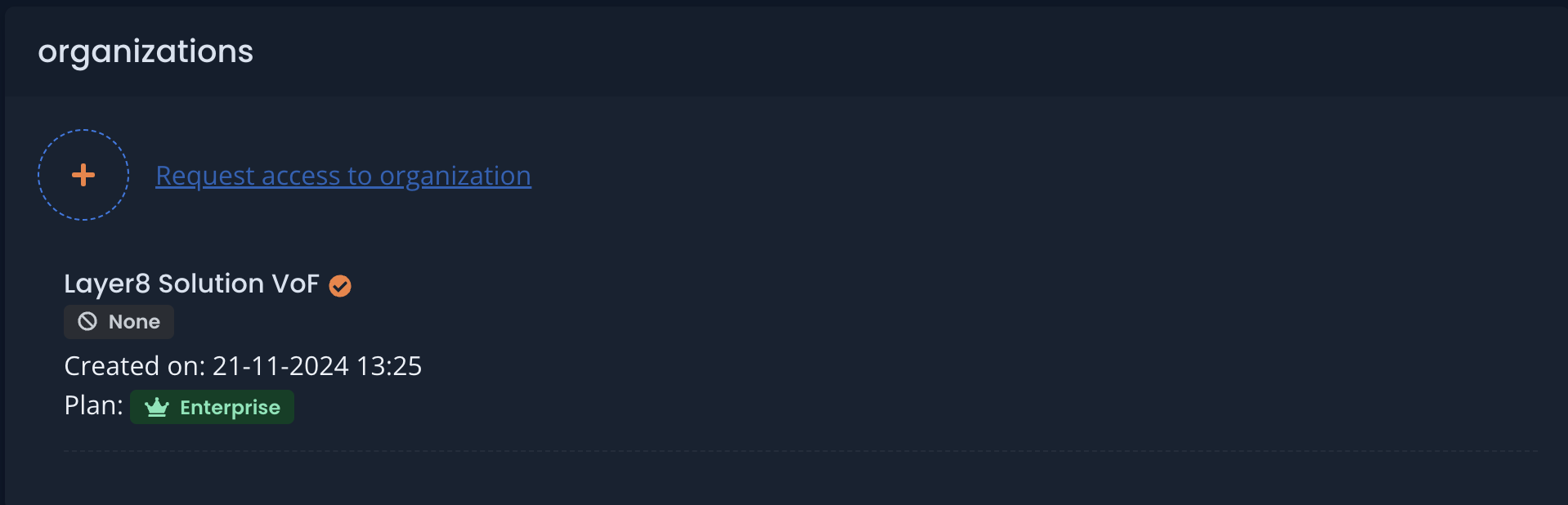
Click the image to enlarge
3. Fill in the form with the values that match the information in your invitation email
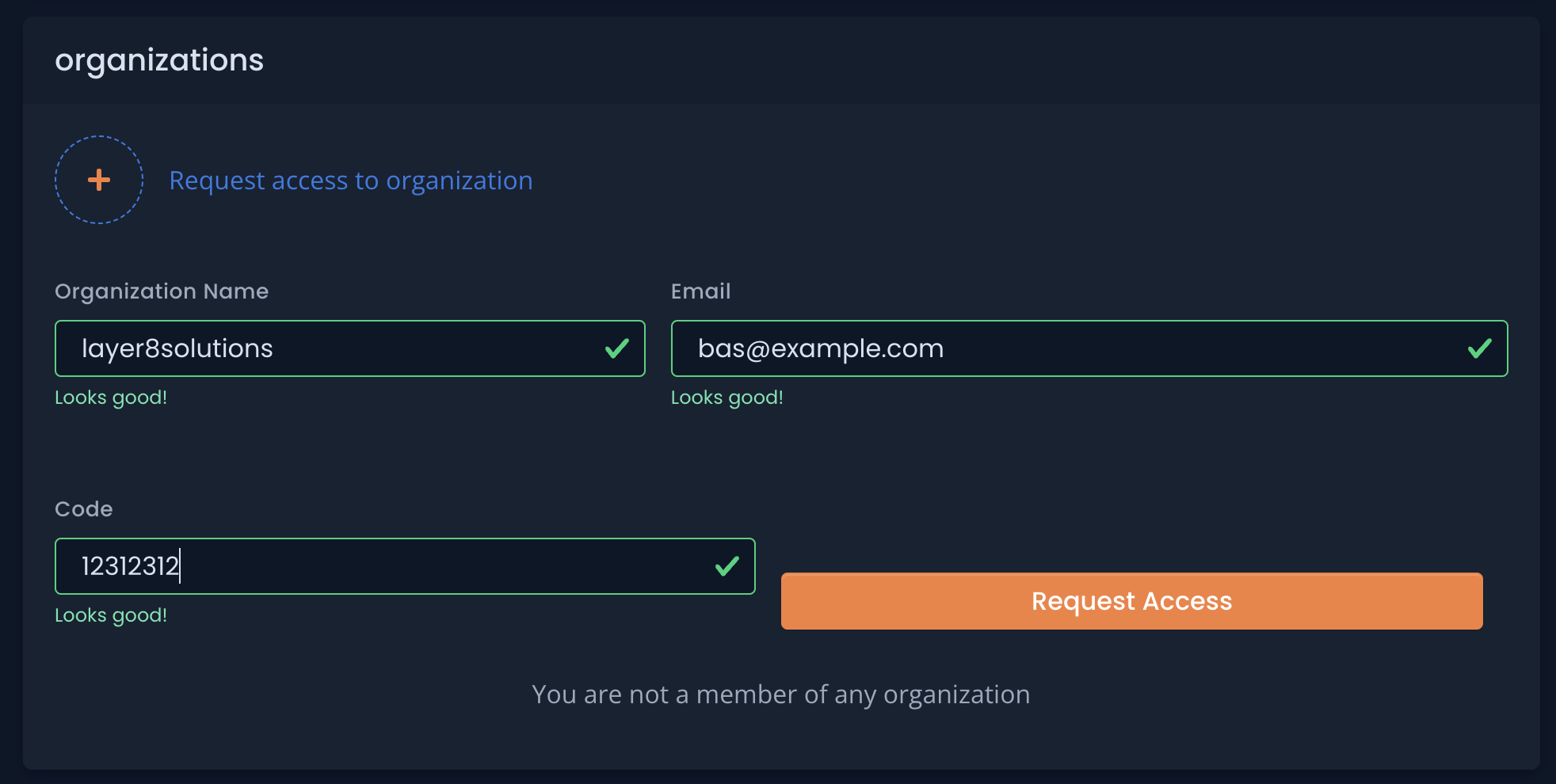
Click the image to enlarge
After submitting the form, administrators will be notified of your unique IPM username. They will then have all the necessary details to invite you to the organization.
3. Accept Organization Invitation
Complete these final steps after receiving your organization invitation email:
- Sign in to Inspark Portal and go to your profile
- On the right side, you will see your invitation

Click the image to enlarge
3. Accept the invitationPlease note that it may take up to 5 minutes for the acceptance to take effect.